
This guide will show you how to set up the Unit Code for your products.
The Product Unit Code defines the unit of measurement for a product when creating an e-Invoice and is a mandatory field. Users must maintain the appropriate Unit Code for each product to ensure the correct unit of measurement is reflected in the e-Invoice.
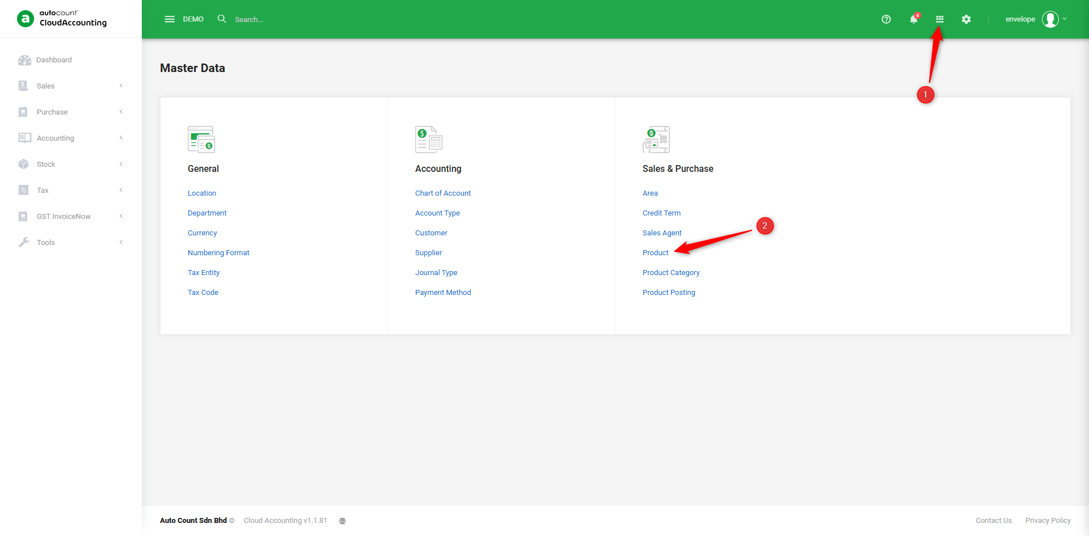
1. Go to Master Data → Product.
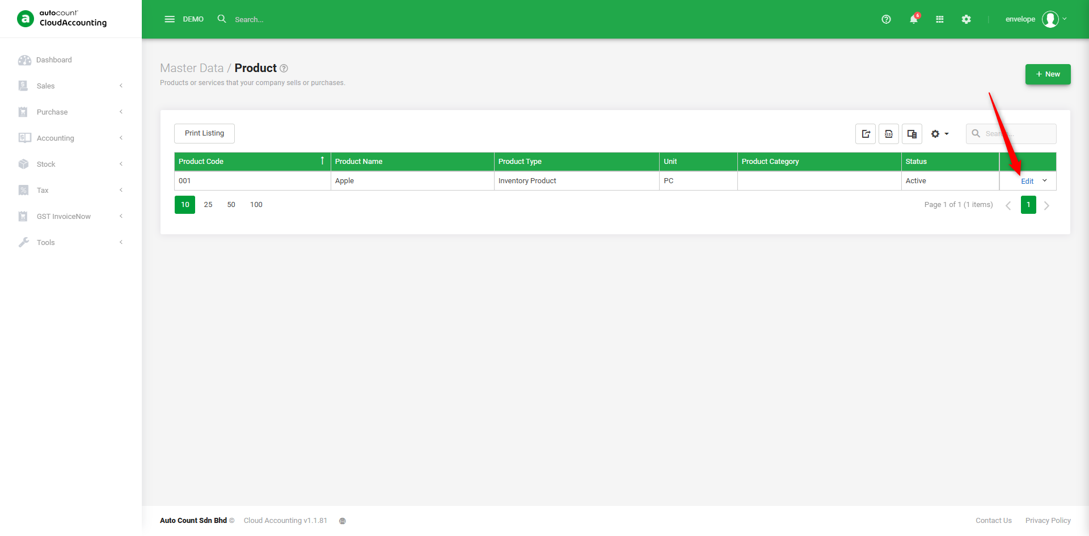
2. Edit your product.
3. Go to the ‘GST InvoiceNow‘ tab, in the Unit Code field, select the respective unit code for the product.
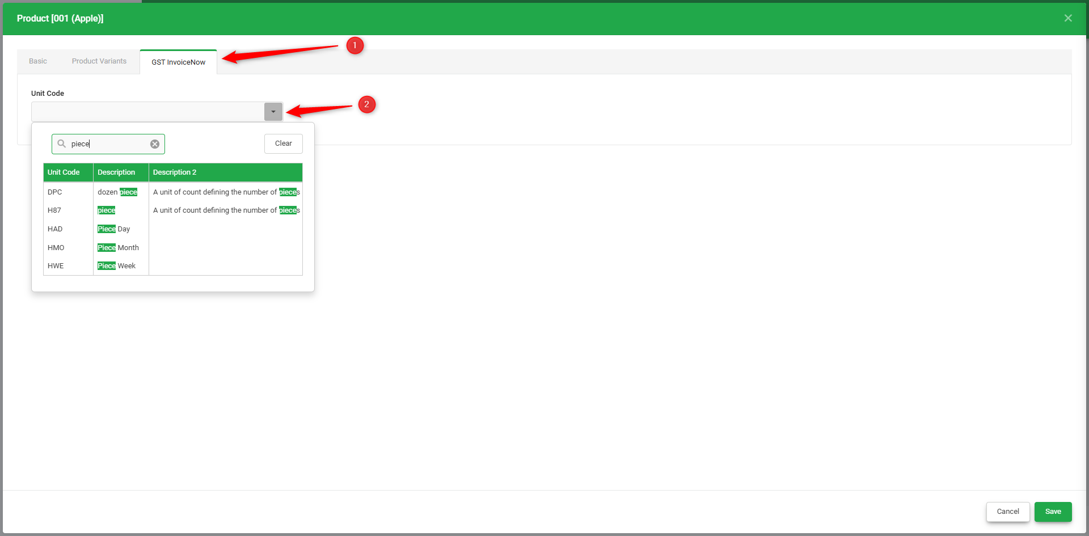
Note: The Unit Code is similar to the UOM (Unit of Measure) used to define how a product is measured, such as Piece, PCS, Box, Set, EA, CTN etc.
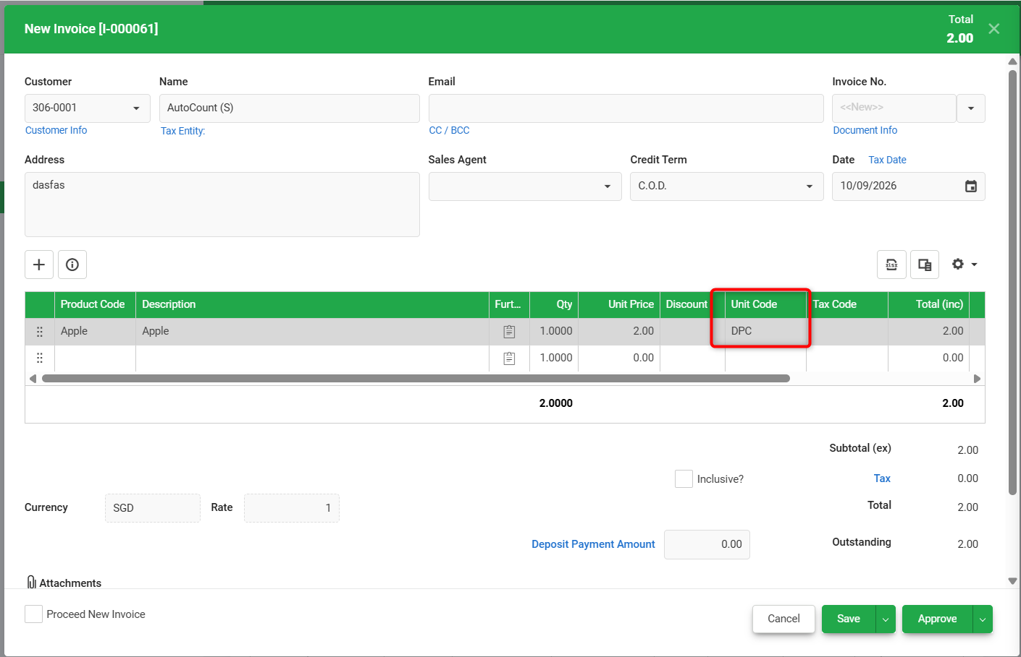
4. So when an item is selected in the invoice, the Unit Code will be populated automatically.
You are done!
Prepared by Soon Horng, checked by Seck Voon & Stanley