
InvoiceNow Log Reconciliation function allows users to check whether the InvoiceNow submission records in AutoCount Cloud Accounting match the corresponding transmission records in DataPost (AP).
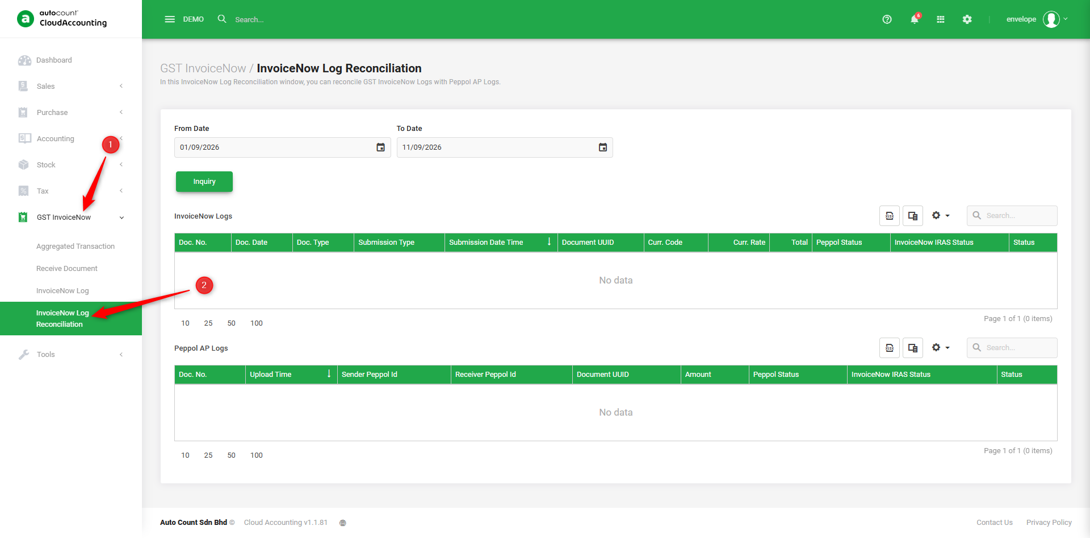
1. Go to GST InvoiceNow → InvoiceNow Log Reconciliation.
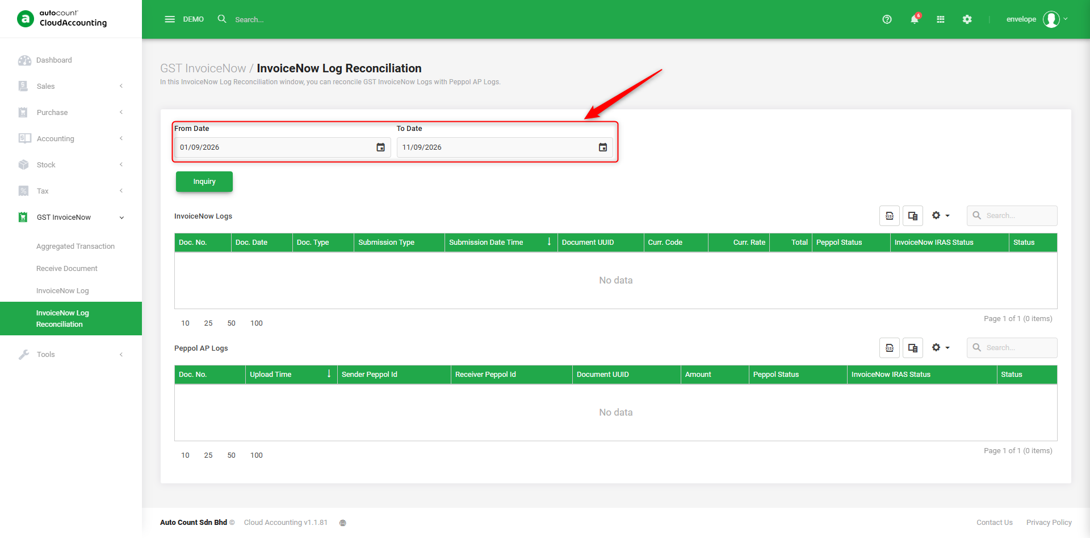
2. Enter the From Date and To Date to specify the period of submission records you want to reconcile.
Note: The date range refers to the submission date of the documents, not the document date.
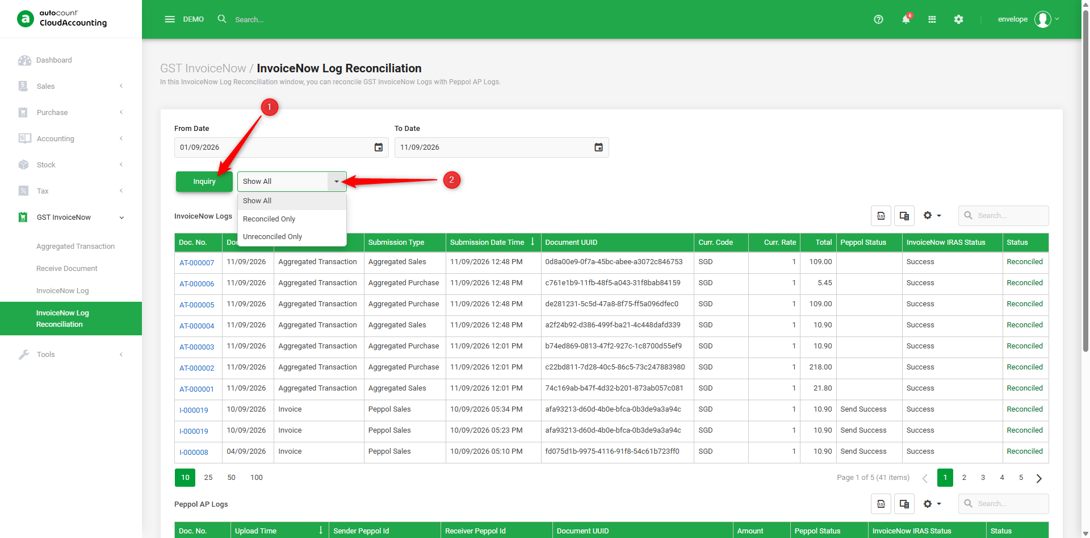
3. Click ‘Inquiry’ → Select the reconciliation status from the dropdown list.
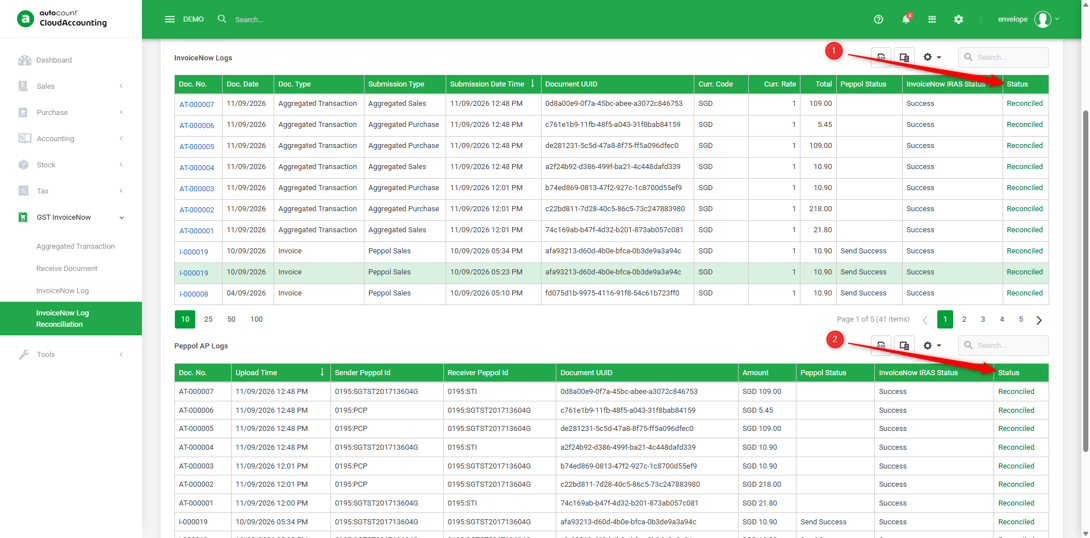
4. Check the InvoiceNow Logs and Peppol AP Logs sections to compare the corresponding submission and transmission records. The Status column shows the reconciliation status of each record.
You are done!
Prepared by Soon Horng, checked by Seck Voon & Stanley