
Search terms: product code not showing, cannot select product, product not appearing dropdown, inactive product transaction, specific product not selectable
Question:
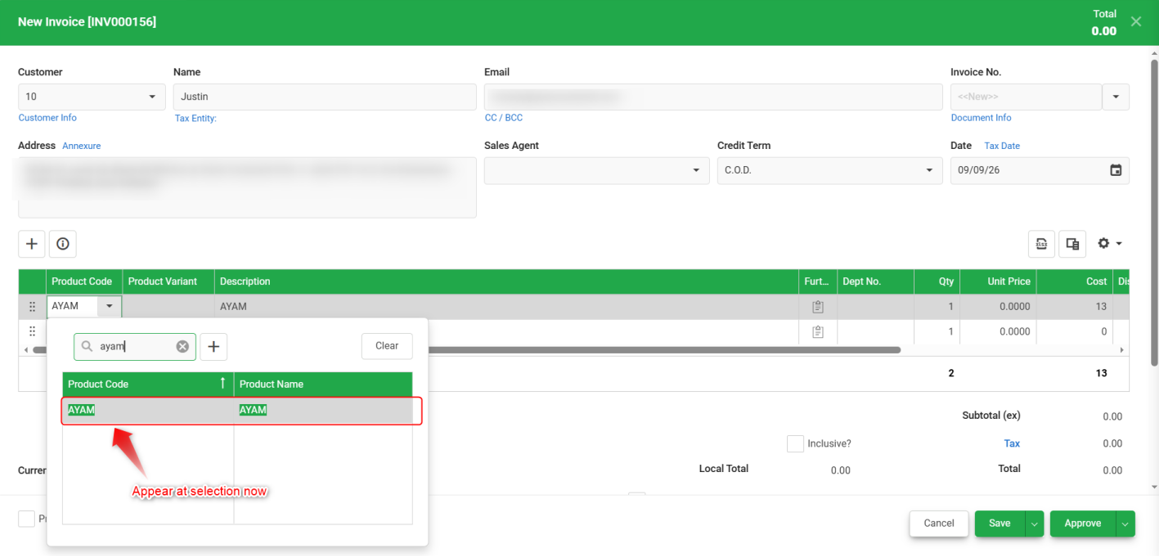
When creating a transaction, why can't a specific Product Code be selected while other products can be selected normally?
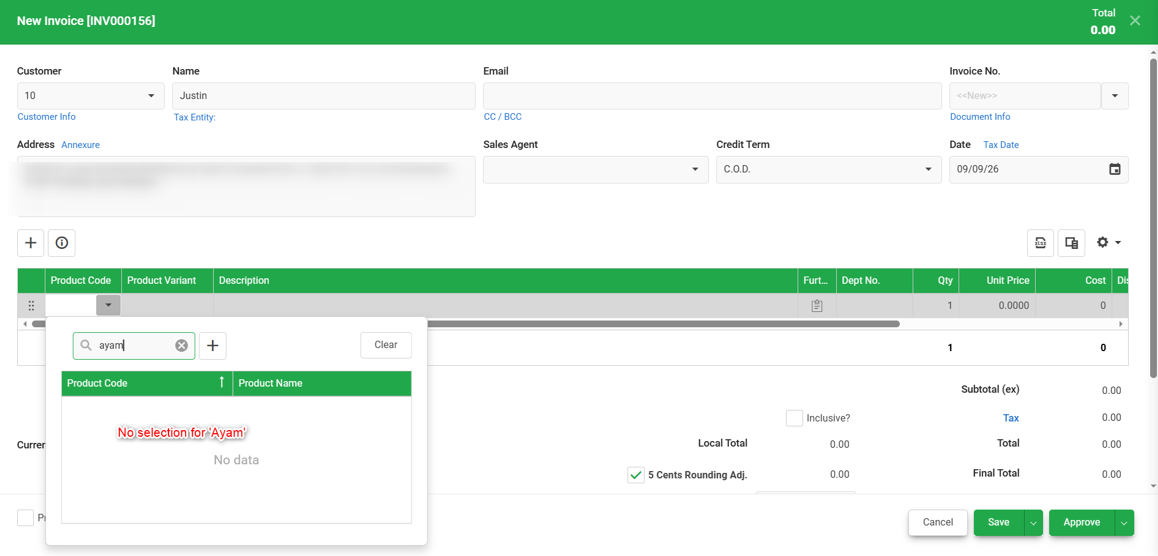
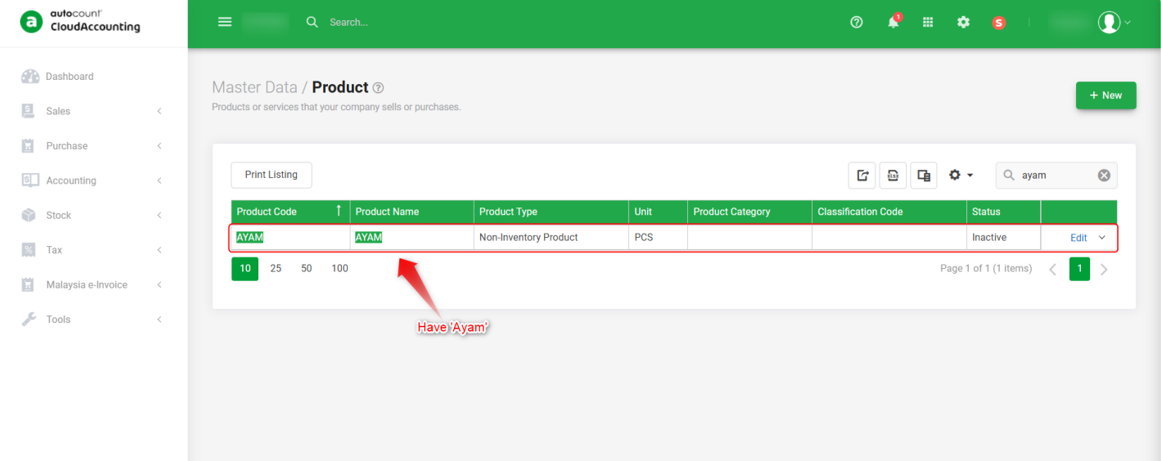
Possible Reason:
The Product's Status has been set to Inactive in Master Data > Product. Inactive products are automatically excluded from selection in new transaction to prevent use.
Solution:
1. Go to Master Data > Product.
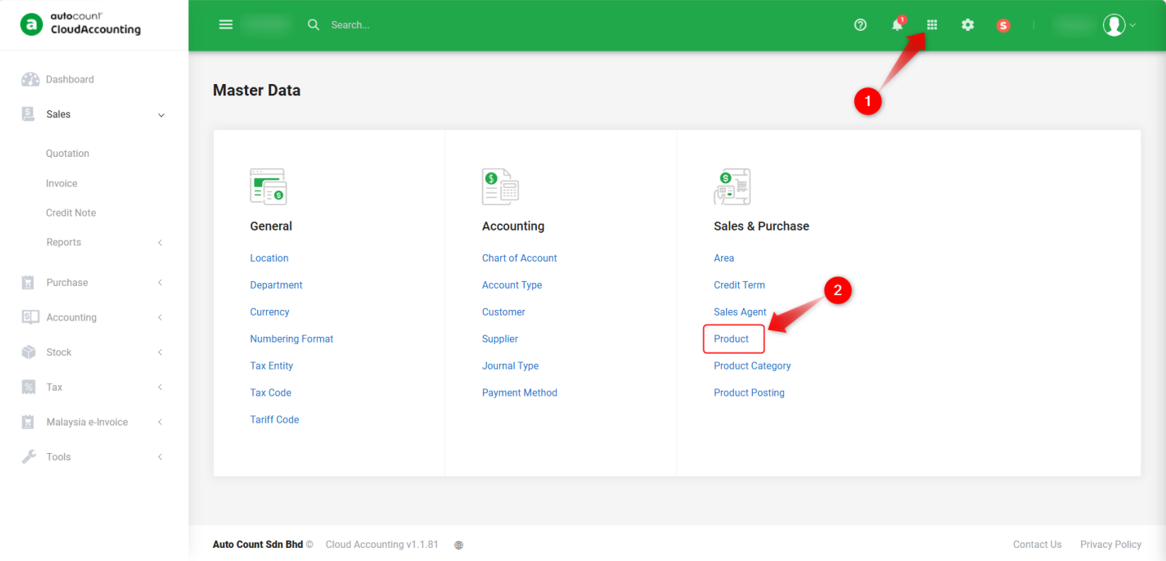
2. Search for the product and click Edit.
3. Under the Basic tab, change the Status field from Inactive to Active, then click Save.
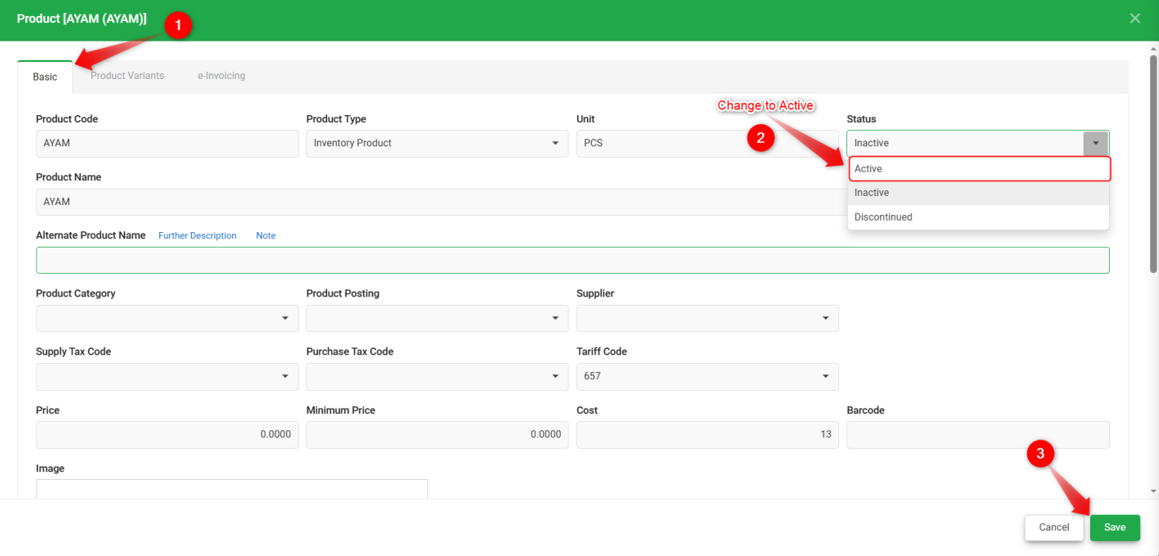
4. Return to the transaction screen; the product should now be selectable.
Notes:
1. If the product should no longer be used in new transactions, keep its status as Inactive and select an active alternative product instead.
2. If the Product Code field is missing entirely across all transactions, rather than just for one specific product, refer to "Product Code Not Showing in Invoice or Purchase Invoice".
By: Rotcana 260918, Lay Swan 260930