
Question:
When I send documents by email, I want to send to multiple email addresses without keying them manually each time. How can I maintain this in Customer?
Answer:
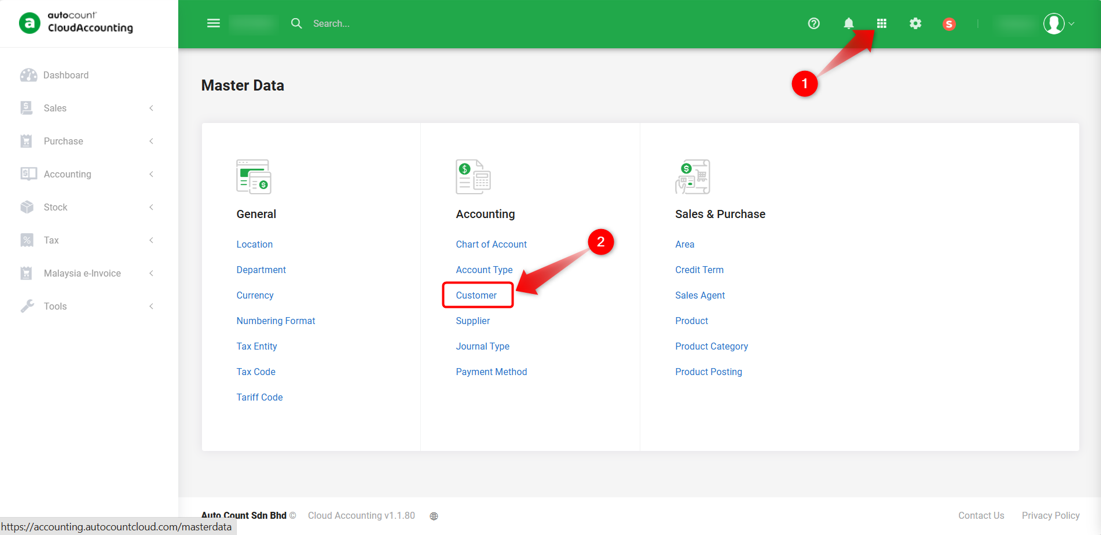
1) Go to Master Data icon > Customer.
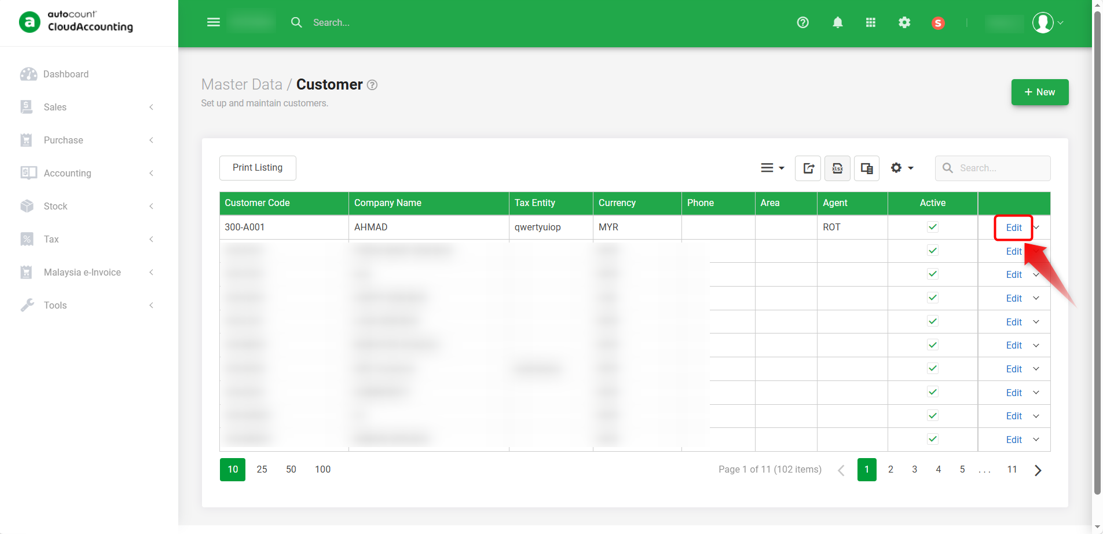
2) Click Edit on the customer whose email address you want to maintain.
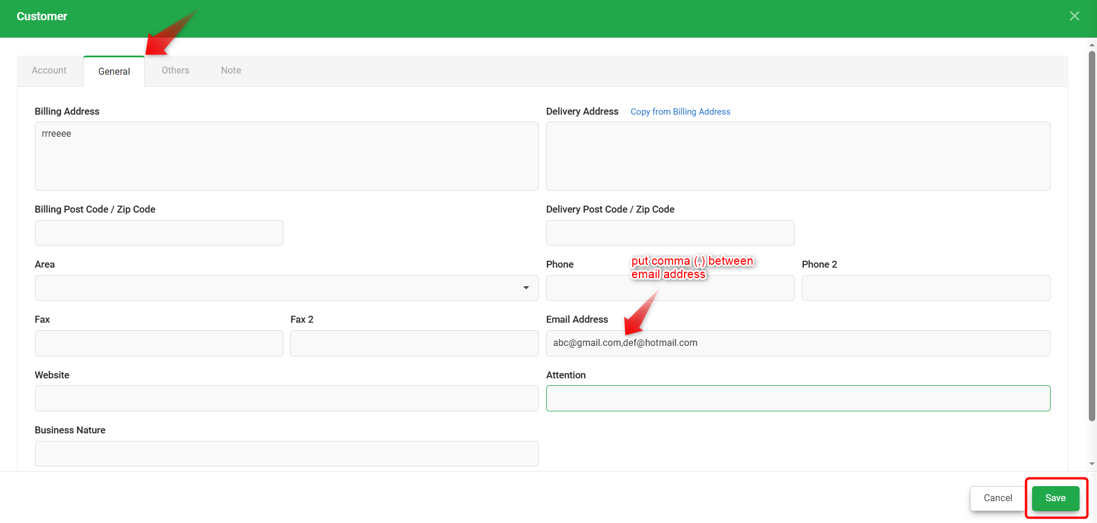
3) Under the General tab, enter multiple email addresses in the Email field by separating each address with a comma. Click Save once completed.
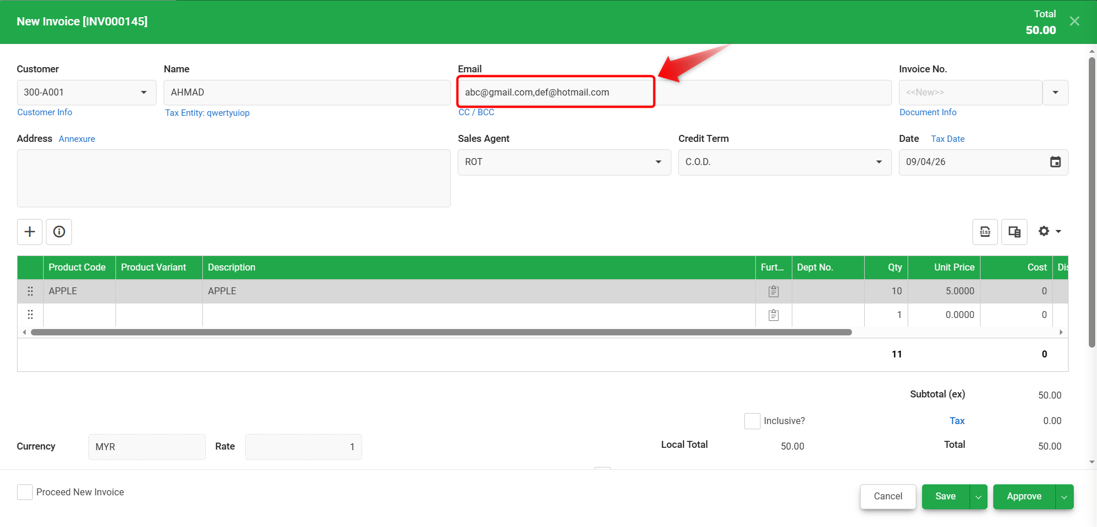
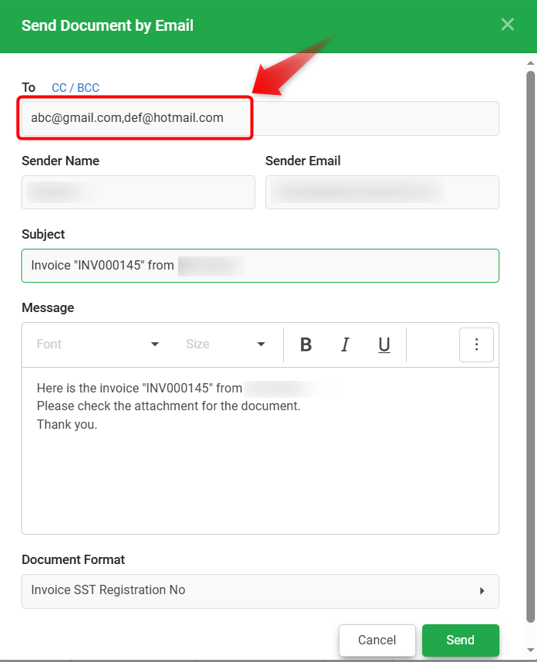
4) After saving, when creating transactions or using Send Document by Email, the maintained email addresses will appear automatically.
Note:
1) If the email addresses are maintained after transactions is created, system will not update the existing transactions. The new email addresses will only apply to future transactions.
2) The same maintenance method also applies to Supplier.
By: Rotcana 260427, Lay Swan 260526